

Report
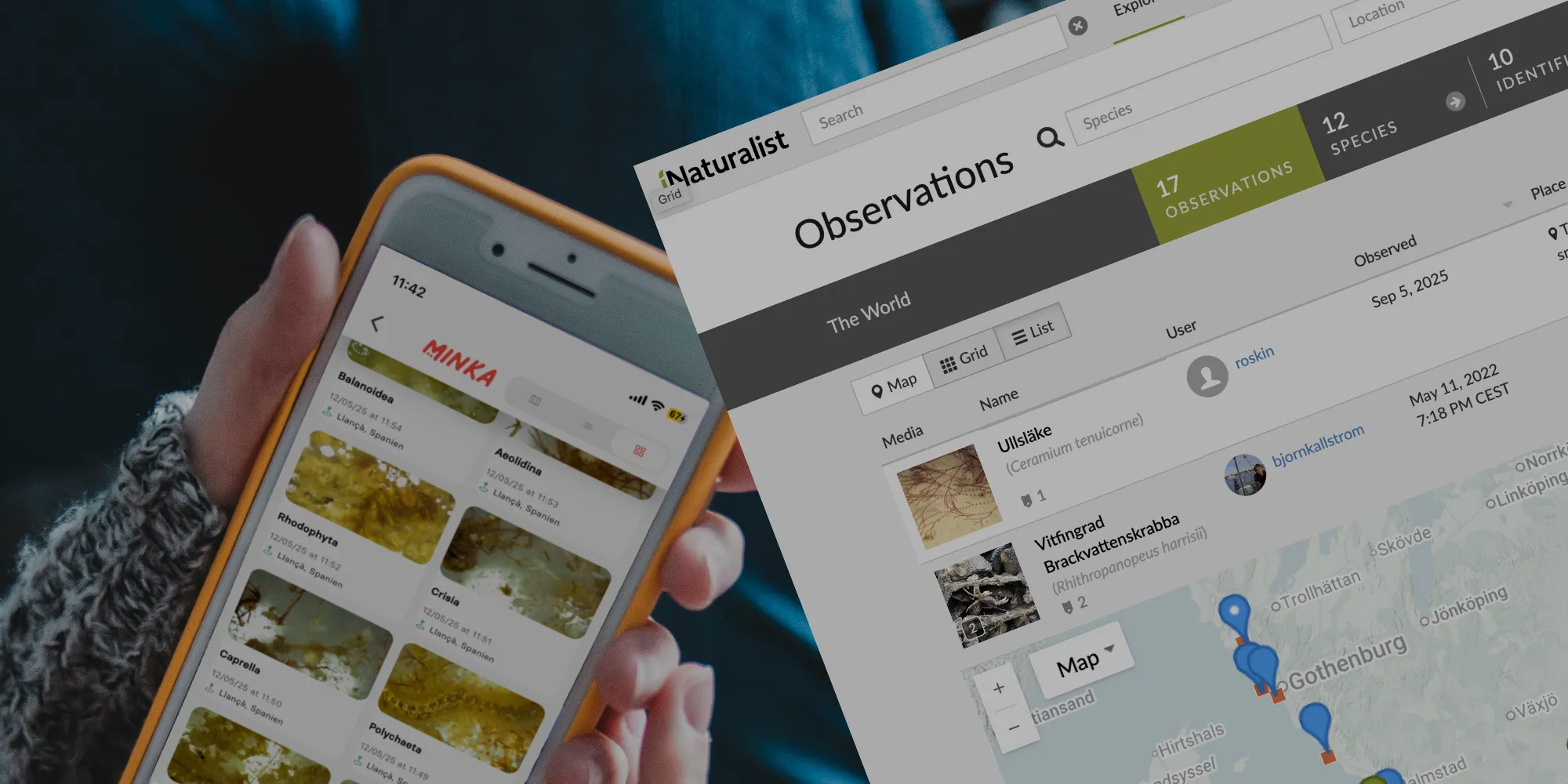
The third and final step is to report your findings. In the BiodivOcean project, we use two open online platforms for our reports. The platforms are iNaturalist and MINKA.
By using these platforms, we increase the opportunities for everyone to participate in the project and make their reports in their own language. You choose which of the platforms you want to use.
Here you will find links to the two platforms iNaturalist and MINKA. Please note that you should choose one of the platforms and only report a finding in one of the platforms. This is because we want to avoid double reporting. You will find links to mobile apps for both platforms below.
Once you have created an account on one of the platforms, you can sign up for the projects we have created in the two platforms . This is so that all reports made in the BiodivOcean project are collected. This allows us to compile all reports made in BiodivOcean.
Here is the link to the project in iNaturalist and here is the link to the project in MINKA.
Once you have made reports in either of the two platforms, you can find your and all users' reports on the Observations page.
Mobile apps for iNaturalist and MINKA
Below you will find links for installing mobile apps for iNaturalist and MINKA.
Here is an instruction for reporting in the Apple IOS iNaturalist Classic app. It is similar settings and workflow in MINKA:s app.

Download app here:


Download app here: